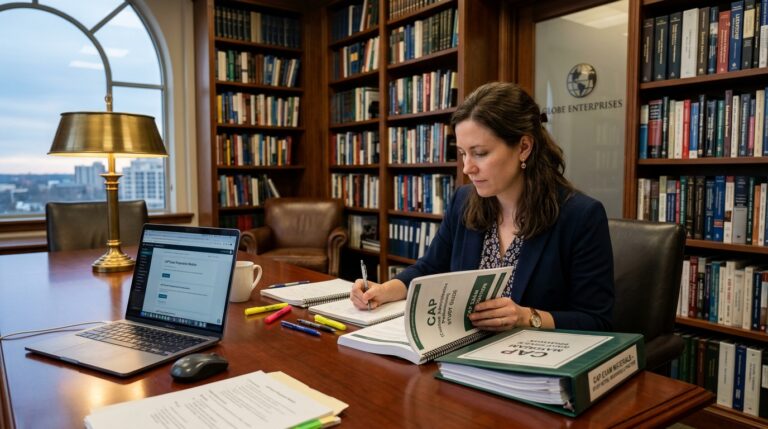
How to Pass a Data Entry Assessment Test: Practice Drills, WPM, and KPH Benchmarks
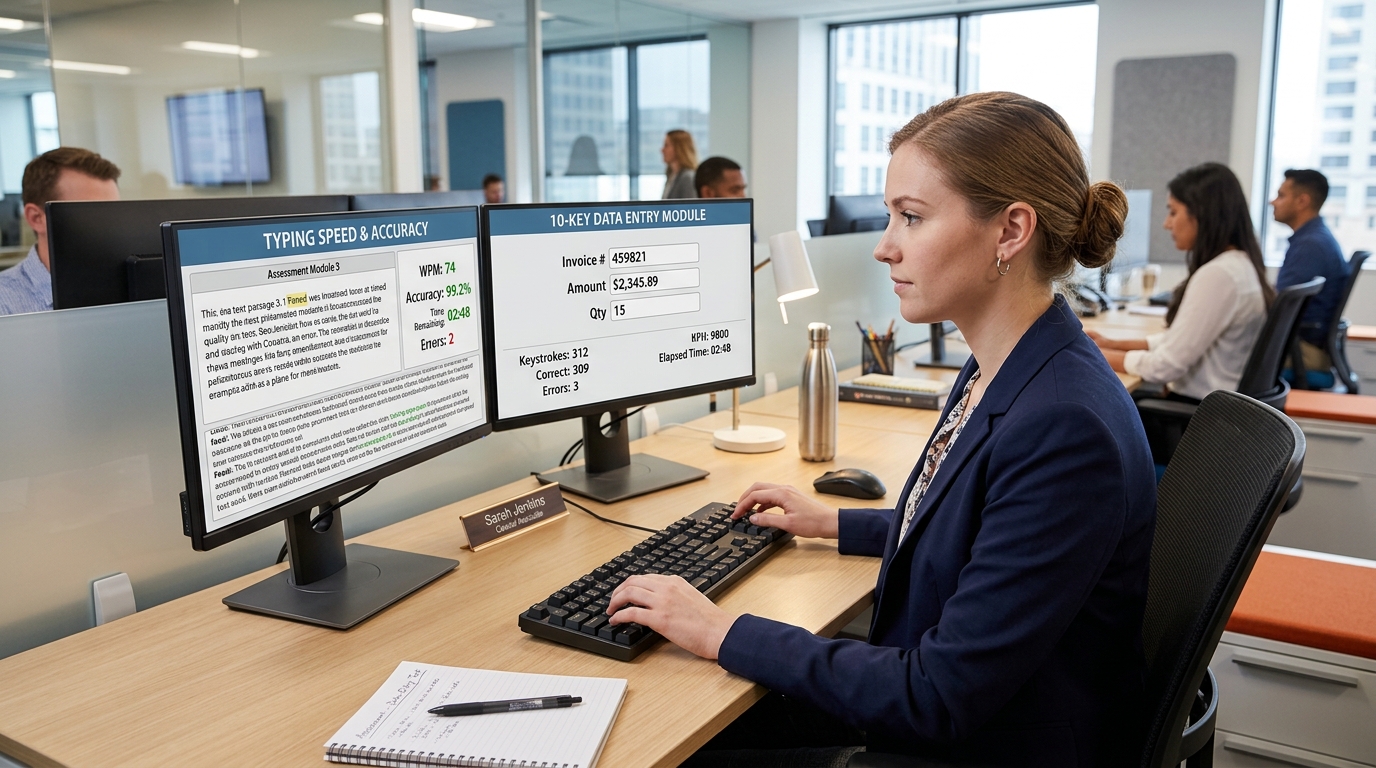
Short answer: To pass an administrative pre-employment data entry assessment, candidates must achieve a typing speed of 45 to 60 words per minute (WPM) on alphanumeric text and 8,000 to 10,000 keystrokes per hour (KPH) on the 10-key numeric keypad, with a minimum accuracy threshold of 98%. Staffing agencies and employers commonly use standardized platforms such as Kenexa Prove It, IKM, and eSkill to evaluate raw speed, error frequency, and spreadsheet data entry accuracy under timed 3- to 5-minute testing modules.
Data entry testing benchmarks at a glance
- Alphanumeric standard: 45–60 Words Per Minute (WPM) with 98%+ accuracy.
- 10-Key numeric standard: 8,000–10,000 Keystrokes Per Hour (KPH) with zero transposition errors.
- Assessment platforms: Kenexa Prove It (IBM), eSkill, Testlify, Criteria Corp, and IKM.
- Scoring penalty: Most staffing agencies deduct 1 WPM or 50 KPH per uncorrected typographical error.
- Crucial strategy: Prioritize rhythm and accuracy over raw speed; high error rates immediately disqualify applicants.
Updated September 2026. Testing benchmarks aligned with staffing agency standards including Robert Half, Kelly Services, and Aston Carter.
Why employers use pre-employment data entry tests
Before temporary staffing agencies, corporate accounting departments, or medical records facilities schedule formal interviews, they require applicants to complete standardized clerical skills testing. Employers utilize these automated tests to objectively filter hundreds of candidates and verify that claims made on resumes match actual keyboard productivity.
In transactional office roles—such as accounts payable clerk, billing specialist, logistics coordinator, and medical records technician—typographical errors directly translate to financial loss or compliance violations. A transposed number on an automotive title or medical billing code can take hours to audit and correct. Understanding test mechanics is your best tool to achieve high percentile scores.
Standard performance benchmarks: WPM and KPH
Clerical assessment scores are measured across two primary metrics: Words Per Minute (WPM) for narrative and alphanumeric data, and Keystrokes Per Hour (KPH) for numeric keypad entry. Scoring reports presented to hiring managers highlight both gross speed and net adjusted accuracy.
| Skill Category | Baseline Passing Score | Competitive Standard | Target Job Roles |
|---|---|---|---|
| Alphanumeric Text Entry | 40 – 45 WPM (95% Accuracy) | 55 – 65+ WPM (98%+ Accuracy) | Customer service representative, receptionist, executive assistant |
| Alphanumeric Field Data | 6,000 – 7,500 KPH (96% Accuracy) | 8,000 – 9,500 KPH (98%+ Accuracy) | Order processing clerk, title clerk, intake coordinator |
| 10-Key Numeric Keypad | 8,000 KPH (97% Accuracy) | 10,000 – 12,000+ KPH (99% Accuracy) | Accounts payable, billing clerk, payroll specialist, bank teller |
The three standard test formats you will encounter
Commercial testing providers construct data entry tests around three distinct situational formats:
1. Split-Screen Document Transcription: The assessment screen displays an image of a handwritten or typed form (such as an invoice, medical intake sheet, or shipping manifest) on the left side, while the right side displays empty data entry fields. You must tab between fields, input names, addresses, and monetary figures, and press enter to advance.
2. Auditory Audio Transcription: Common in dispatch, insurance claims, and transcription roles. Candidates listen to simulated customer phone recordings through headphones and type names, policy numbers, and incident descriptions into corresponding form fields in real time.
3. 10-Key Accounting Number Rolls: The screen displays vertical lists of currency figures or multi-digit inventory serial numbers. Using only your right hand on the numeric keypad, you enter numbers and press the keypad enter key as rapidly as possible without looking down at the keyboard.
Step-by-step drills to boost your speed and accuracy
If your test is scheduled in two or three days, you can dramatically improve your performance through deliberate practice routines rather than aimless typing:
Practice Touch-Typing on the 10-Key Home Row: Place your middle three fingers on keys 4, 5, and 6. The 5 key features a raised physical tactile bump. Your index finger handles keys 1, 4, and 7; your middle finger handles 2, 5, and 8; your ring finger handles 3, 6, and 9; and your pinky operates the Enter, plus, and minus keys. Keep your thumb anchored over the 0 key.
Eliminate the Looking Habit: Looking back and forth between your screen and keyboard cuts your typing speed by 40% and causes visual fatigue. Practice entering phone numbers and receipt totals with eyes fixed entirely on the screen.
Master the Tab Key Navigation: Never reach for the mouse to click between fields during a data entry test. Use the Tab key to advance forward and Shift+Tab to step backward. Mouse clicks cost 2 to 3 seconds per field, destroying your KPH score.
For additional administrative career guidance, review our overview of entry-level office jobs without a degree, our breakdown of staffing agency KPH passing scores, and our guide on landing office roles through temp staffing agencies.
What to do on test day: Avoiding common traps
When taking an assessment either remotely at home or on-site at a staffing agency branch, test conditions matter. Ensure you use a full-sized external keyboard with a dedicated numeric keypad; never attempt a data entry evaluation on a cramped laptop keyboard.
Read the prompt instructions carefully before clicking Start. Some assessment software does not permit backspacing once a field is entered, while others penalize skipped fields more severely than incorrect characters. Take deep breaths, establish a steady rhythmic cadence, and focus on accuracy—speed naturally follows control.
Frequently asked questions
How is Keystrokes Per Hour (KPH) calculated?
KPH is calculated by dividing total keystrokes by the number of test minutes, then multiplying by 60. For example, typing 500 characters in a 3-minute test equals 10,000 KPH.
What is a passing score on the Kenexa Prove It data entry test?
Most staffing agencies consider 8,000 to 9,000 KPH with 98% accuracy as a passing score for general clerical roles, while specialized billing and accounting roles expect 10,000+ KPH.
Can I retake a pre-employment data entry test if I fail?
Policies vary by employer and agency. Temporary staffing agencies often allow candidates to re-test after 30 days or after completing practice drills, whereas corporate employers may only permit one attempt per job requisition.
Does capitalization count on data entry tests?
Yes. Unless the prompt explicitly states that inputs are case-insensitive, alphanumeric data entry assessments evaluate exact matching, including capitalization, spacing, and punctuation marks.
What free websites can I use to practice?
Reliable free typing and 10-key practice portals include TypingClub, Keybr, Typing.com, and OfficialTypingTest.com, which offer dedicated 10-key numeric keypad drills.
Primary sources and editorial method
- Criteria Corp Pre-Employment Assessment Testing Benchmarks
- IBM Kenexa Prove It Skills Assessment Overview
- U.S. Bureau of Labor Statistics: Data Entry Keyers
The Office Job provides independent candidate training resources. Assessment software trademarks (Kenexa, eSkill, Criteria) belong to their respective corporate owners.